 Phoenix Studio
 1.0.2 — Your code, your names, your control
A release meant to make the generated code more yours: no odd prefixes, more ways to get it out of the IDE, and the IDE's rules out of your way.
Phoenix Studio is a visual designer for AutoIt. You drag the controls, pick the events and get a clean, readable .au3 you can keep editing by hand.
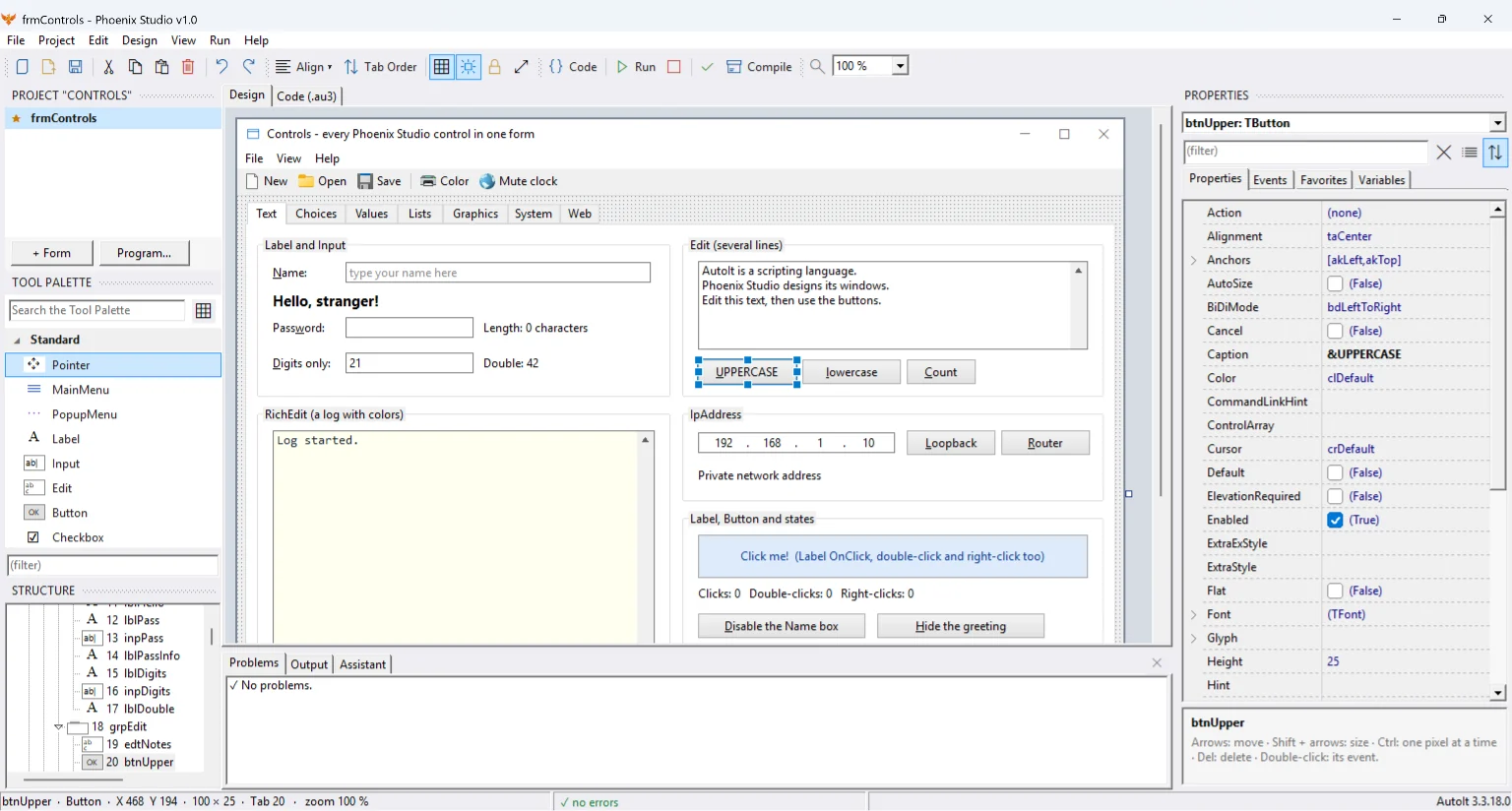
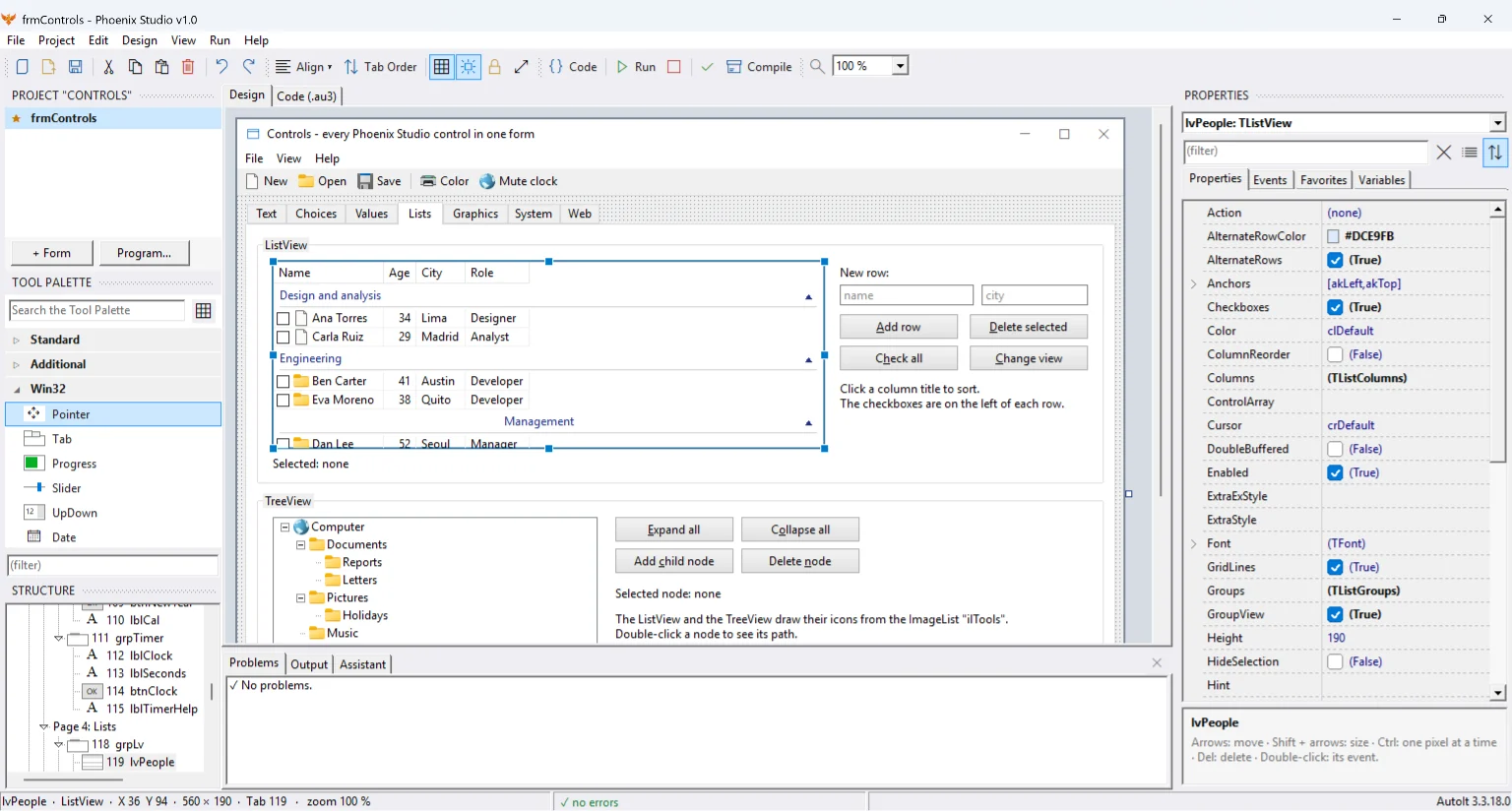
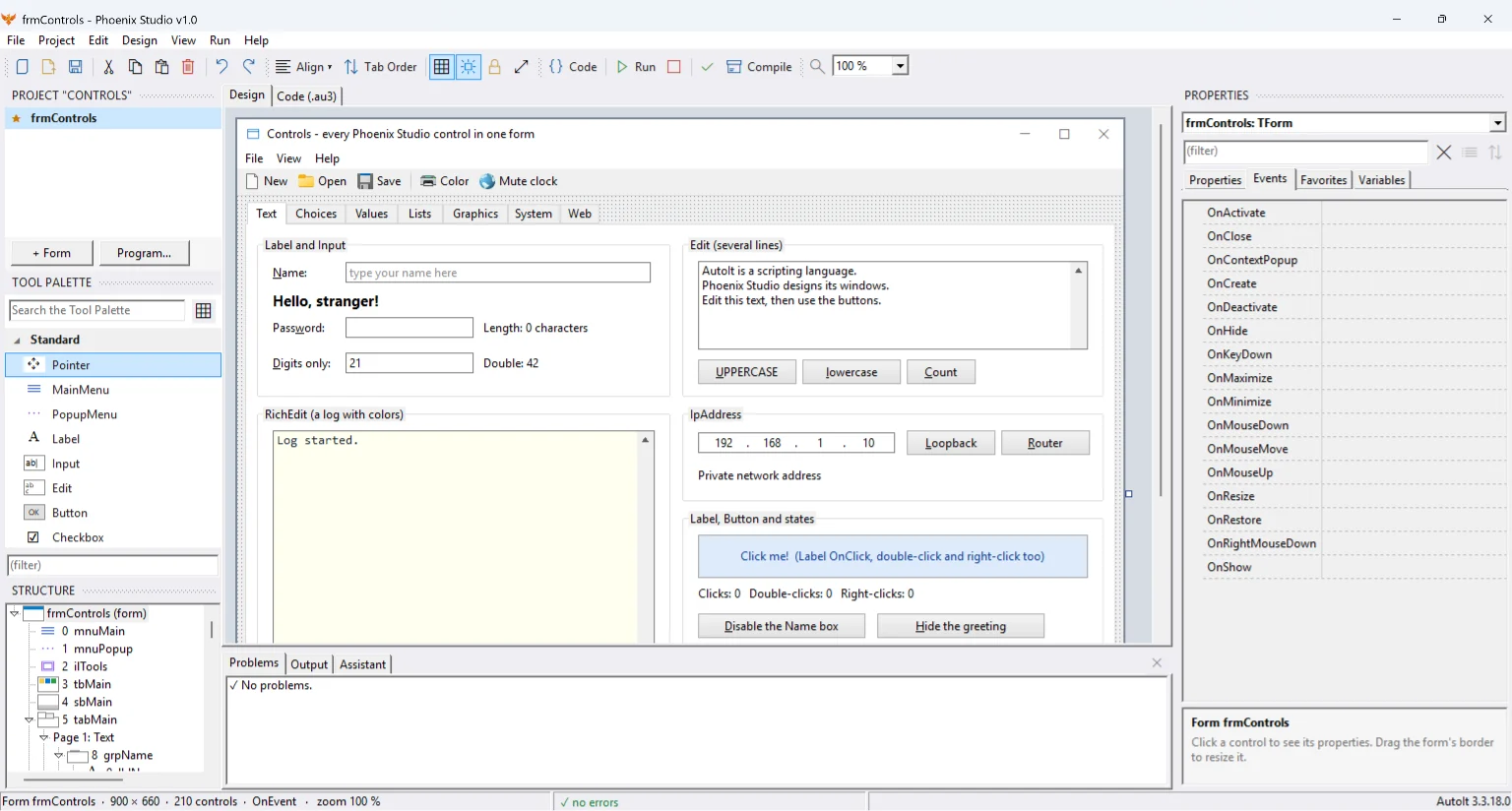
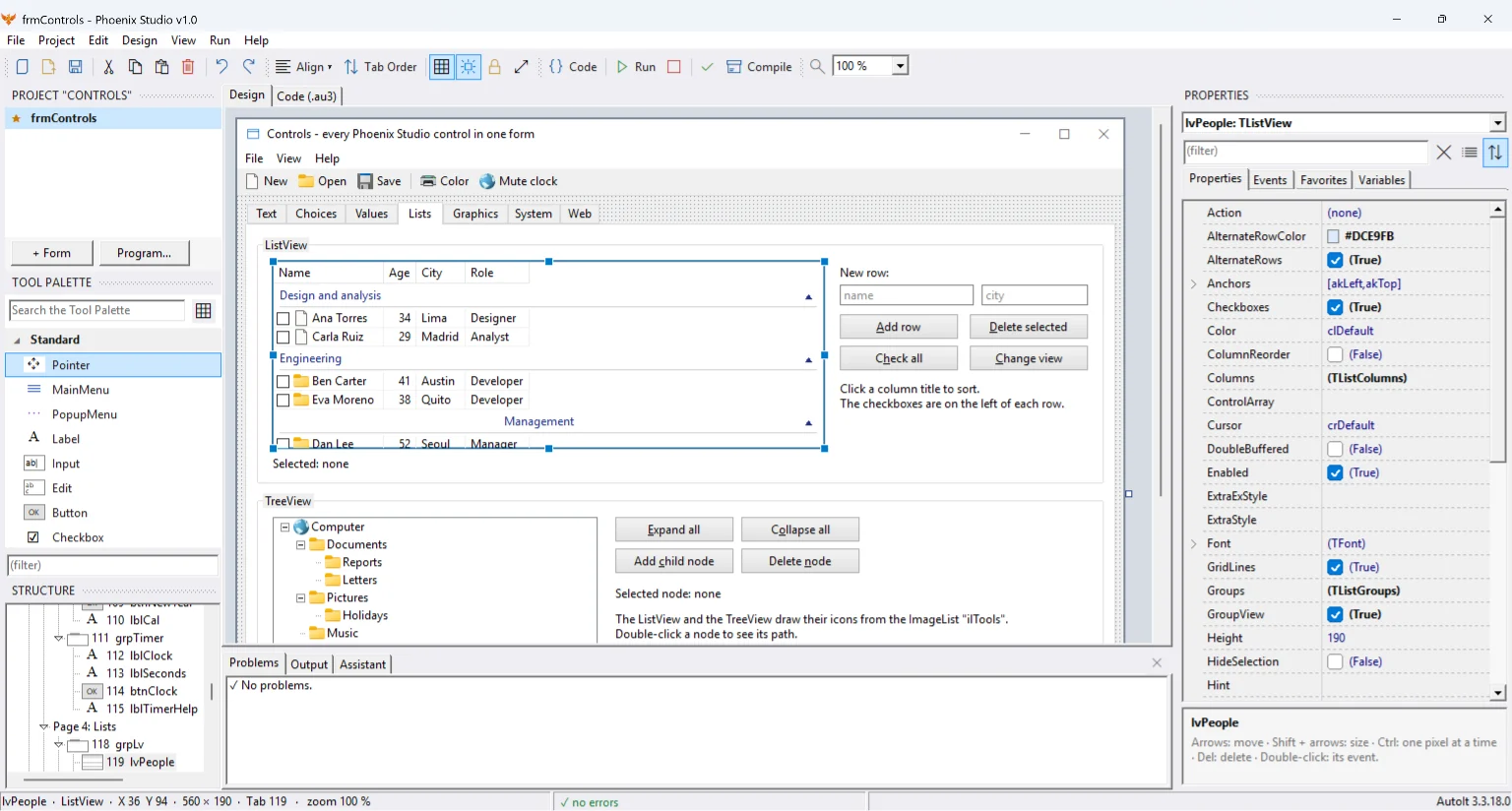
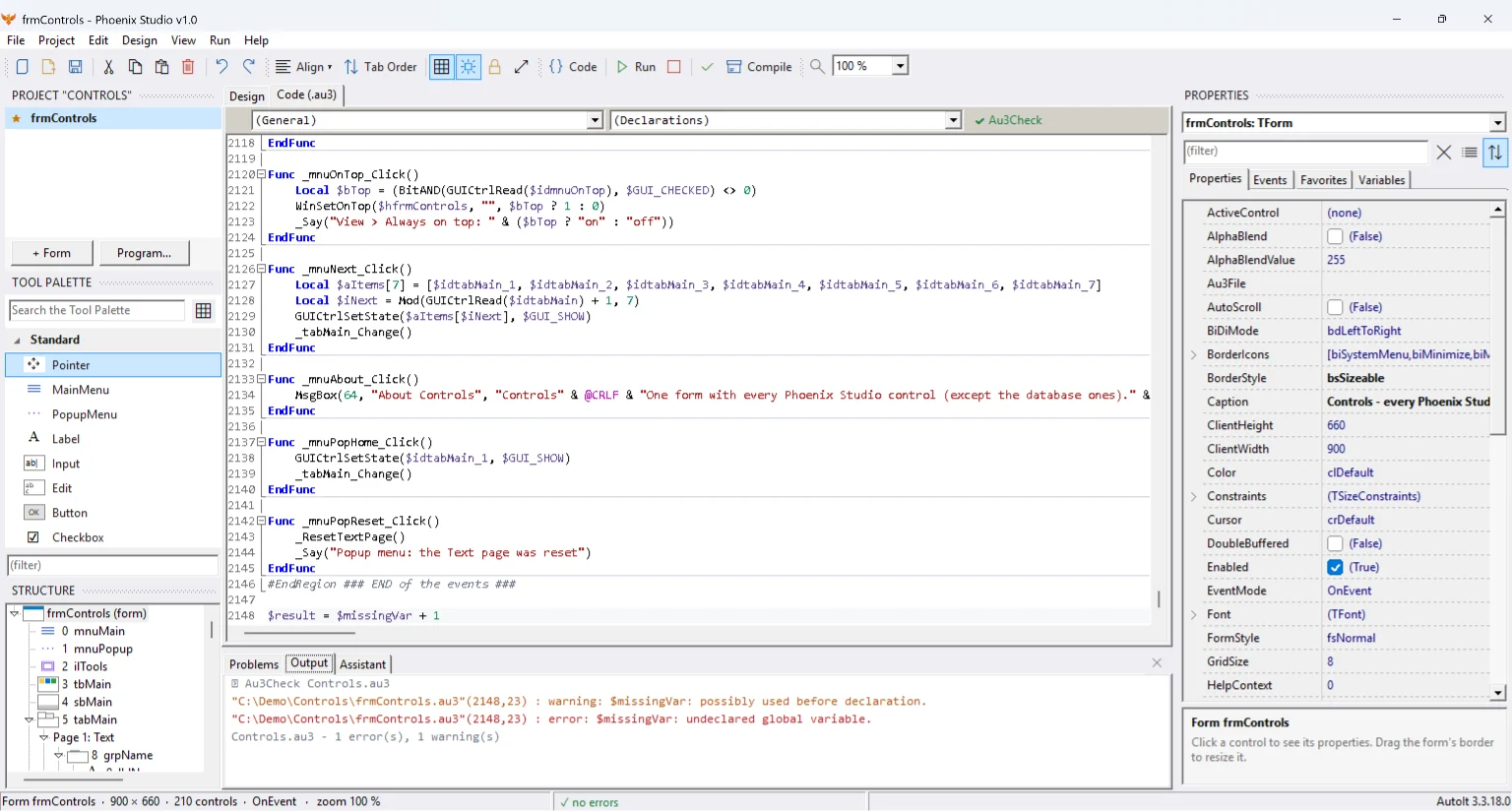
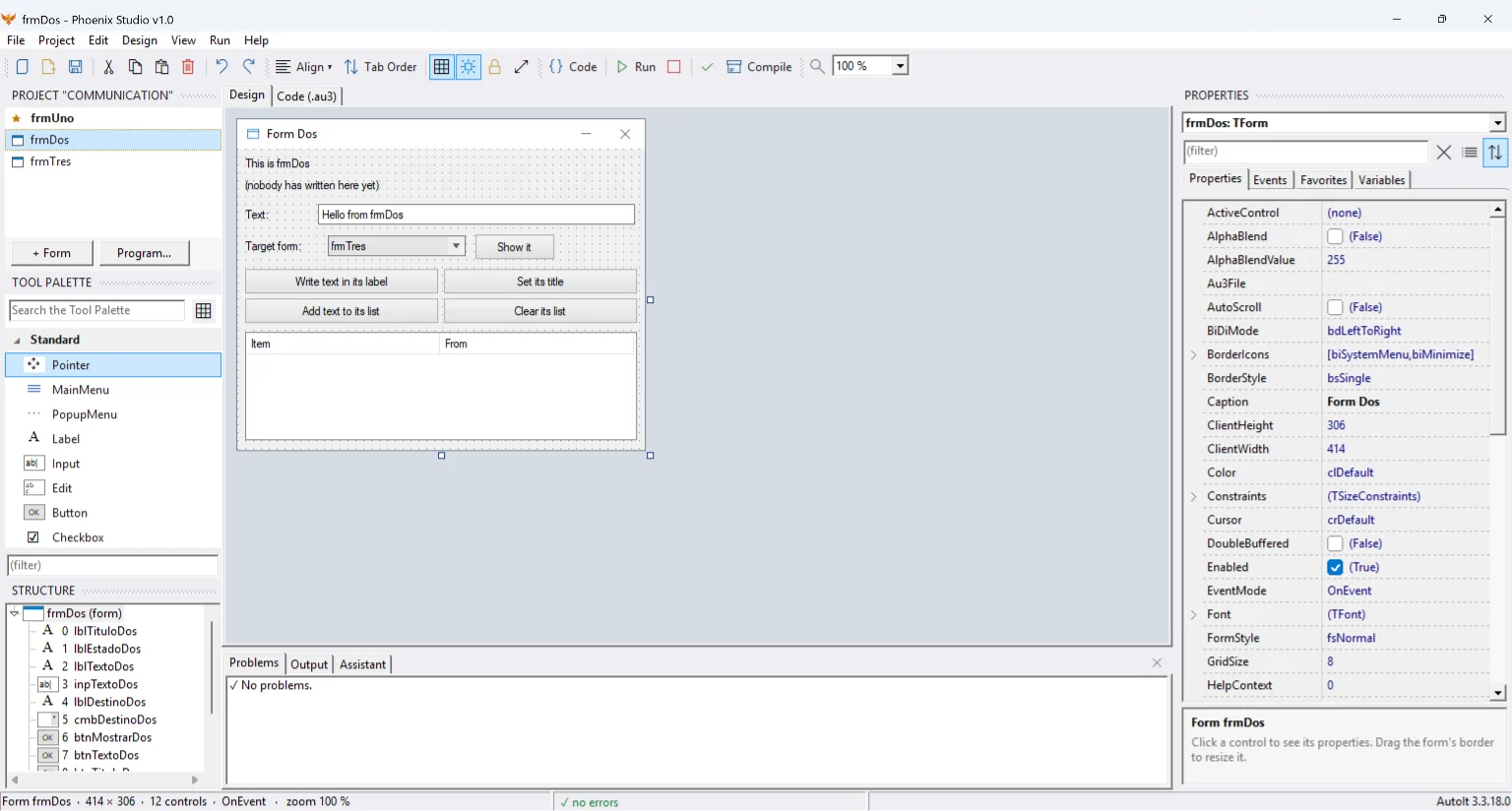
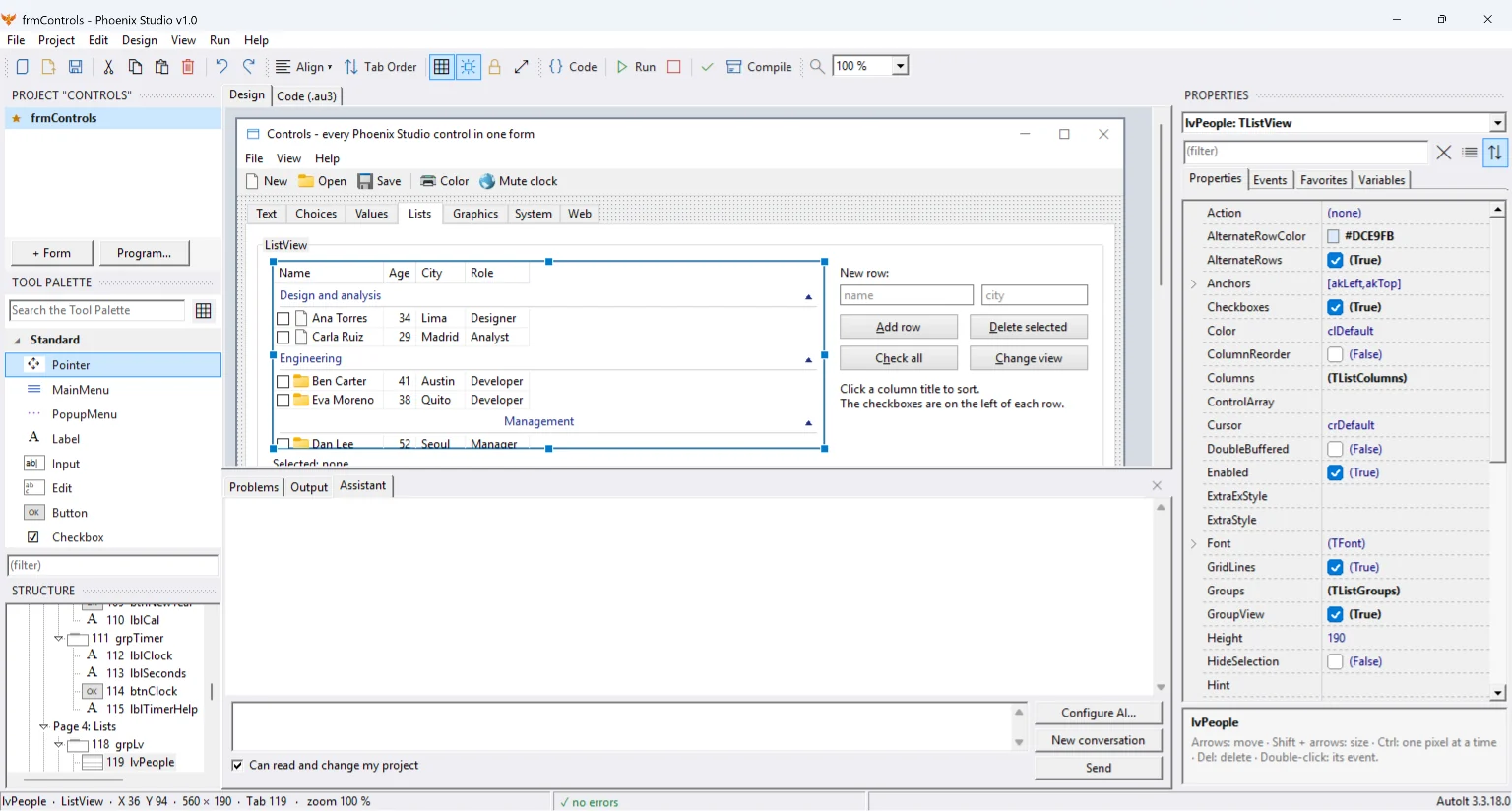
Drag controls from the toolbox, align them with the guides and tune everything in the properties inspector.
Every change writes the code into a plain .au3. Events add functions with the right name and never delete yours.
Run with one key, check with Au3Check and compile to a 32 or 64 bit .exe from the project options.
Phoenix Studio writes the design inside marked regions. Everything else is yours, and the IDE respects it.
; Phoenix Studio writes this (simplified excerpt)
Global $hForm1 = GUICreate("My first window", 320, 160)
$inpName = GUICtrlCreateInput("", 16, 16, 200, 24)
$btnHello = GUICtrlCreateButton("&Hello", 224, 16, 80, 24)
GUICtrlSetOnEvent($btnHello, "_btnHello_Click")
GUISetState(@SW_SHOW, $hForm1); You write only this
Func _btnHello_Click()
MsgBox(64, "Hello", "Hello, " & GUICtrlRead($inpName) & "!")
EndFuncIllustrative example: in your projects the generated code includes more detail (fonts, sizes, constants).
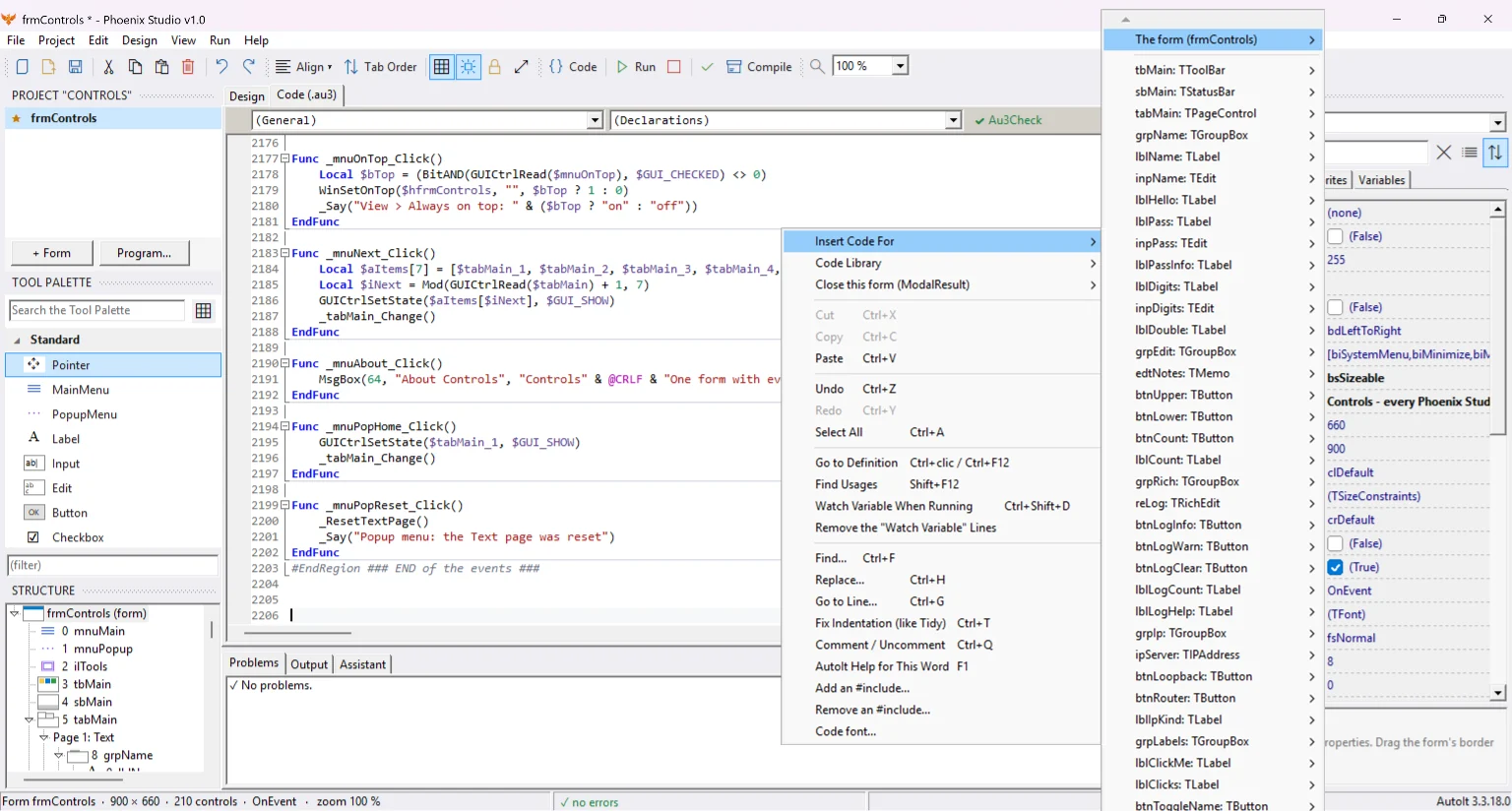
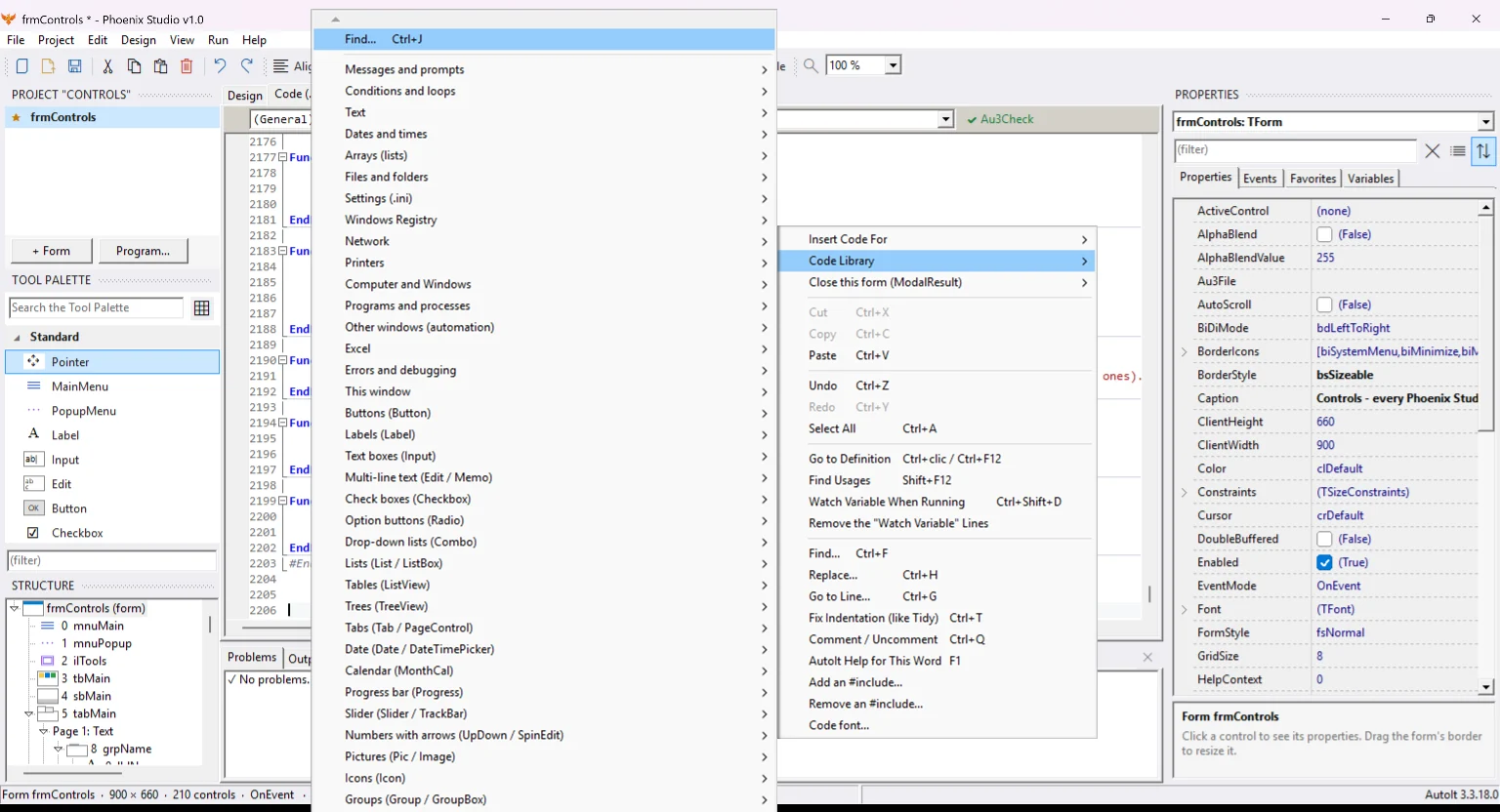
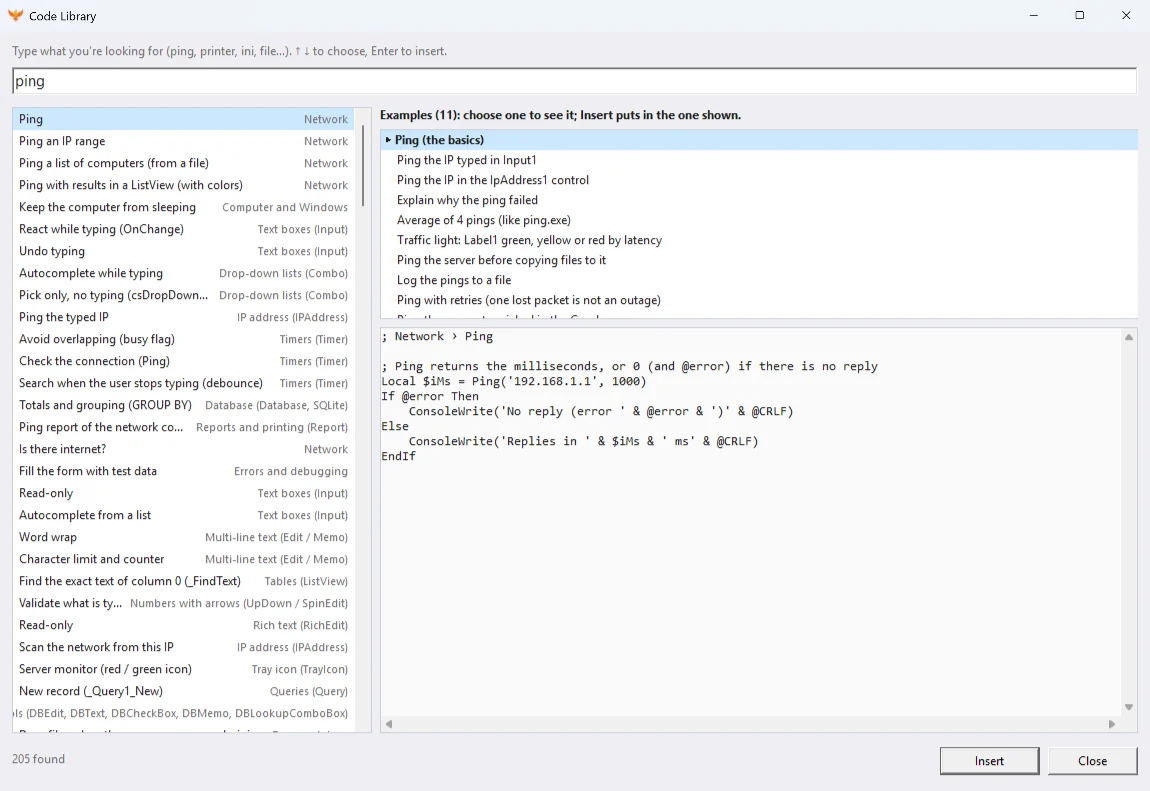
Right-click in the editor: the menu offers to insert code for the window or any control, and a library of snippets sorted by topic. Pick one and it is written into your program, at the cursor.
Drag, resize, align with guides and a grid, set the Tab order by clicking, undo and redo, and zoom in.
Labels, inputs, buttons, lists, combos, tabs, ListView and TreeView, menus, tool and status bars, RichEdit, calendars, sliders, IP address and more.
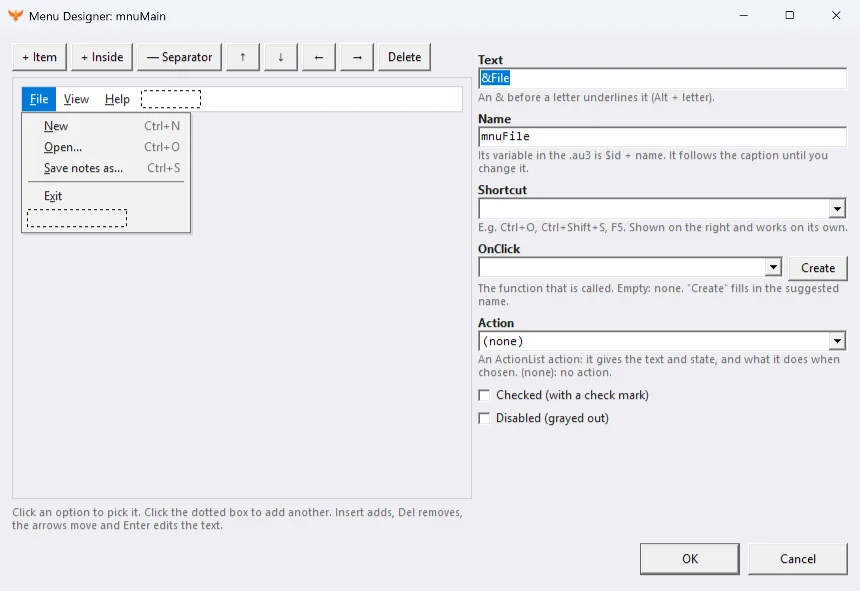
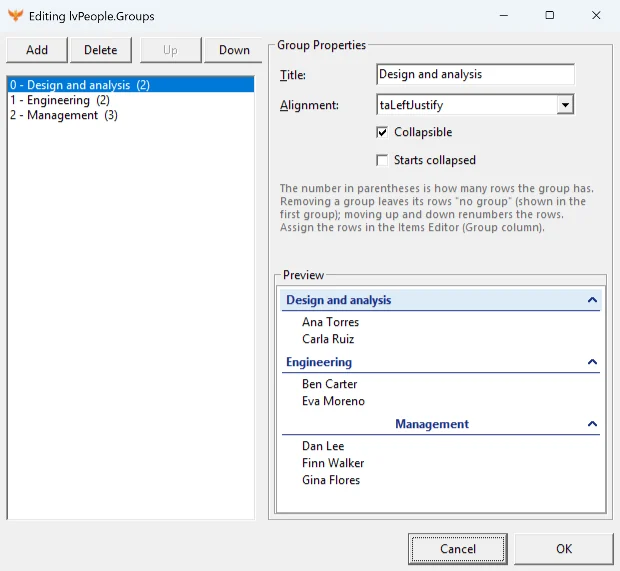
With purpose-built editors for lists, columns, menus, images, tree nodes, SQL and INI keys. No raw grids.
Pick an event and a function with the right name is added. The IDE only adds functions: it never deletes yours.
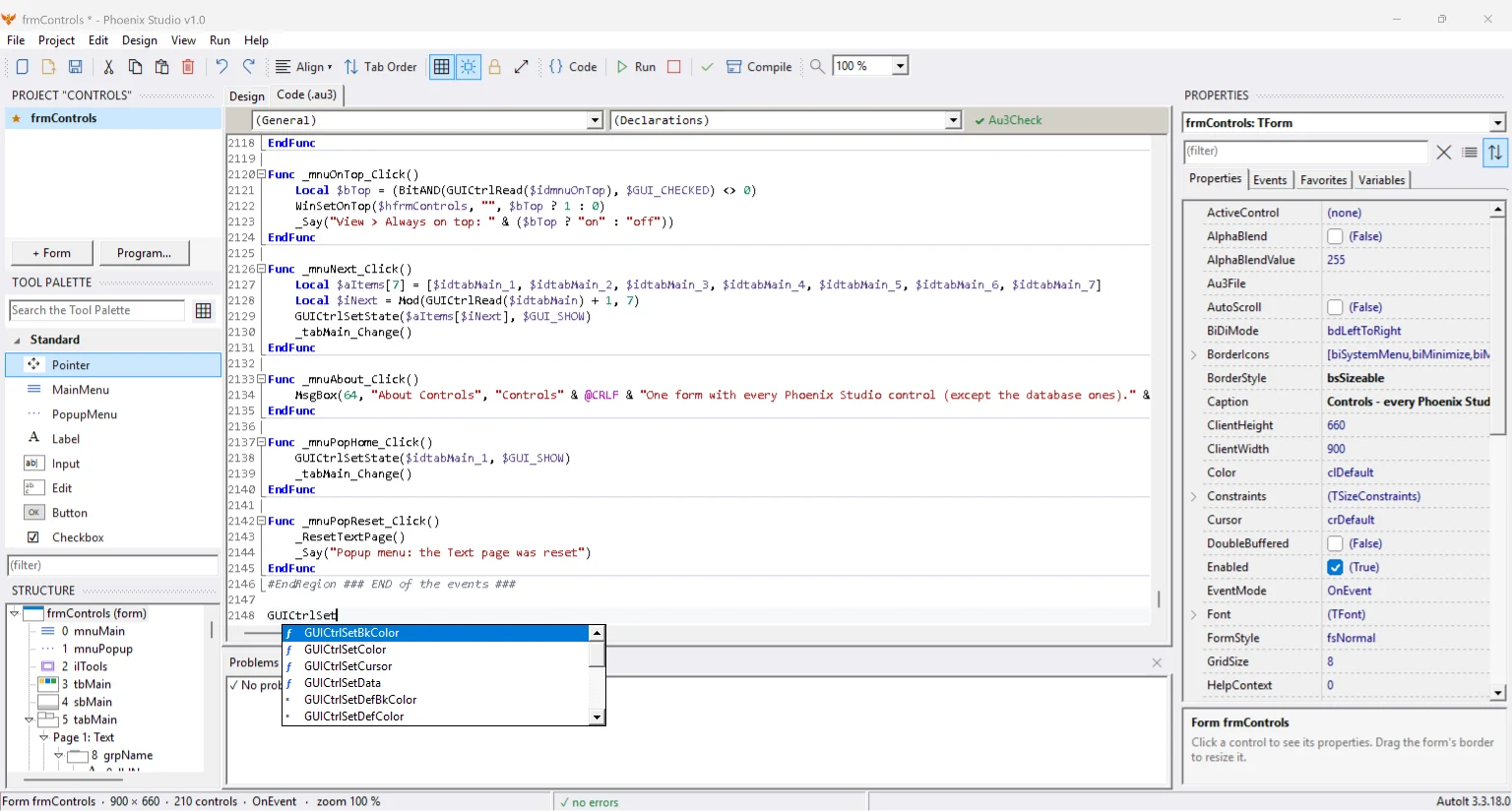
Syntax colors, autocompletion, a code library, find and replace, rename, a variables panel and Au3Check errors underlined as you type.
One key to run, another to compile to a 32 or 64 bit .exe, with icon, version and output folder from the project options.
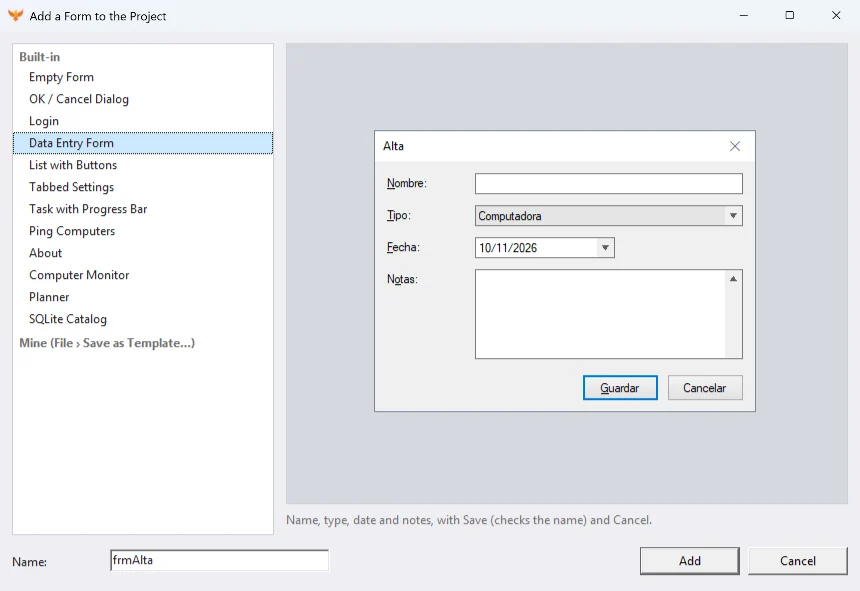
Multi-window projects with their main program, and ready-to-use window templates.
Open an existing AutoIt script and keep working on its window visually.
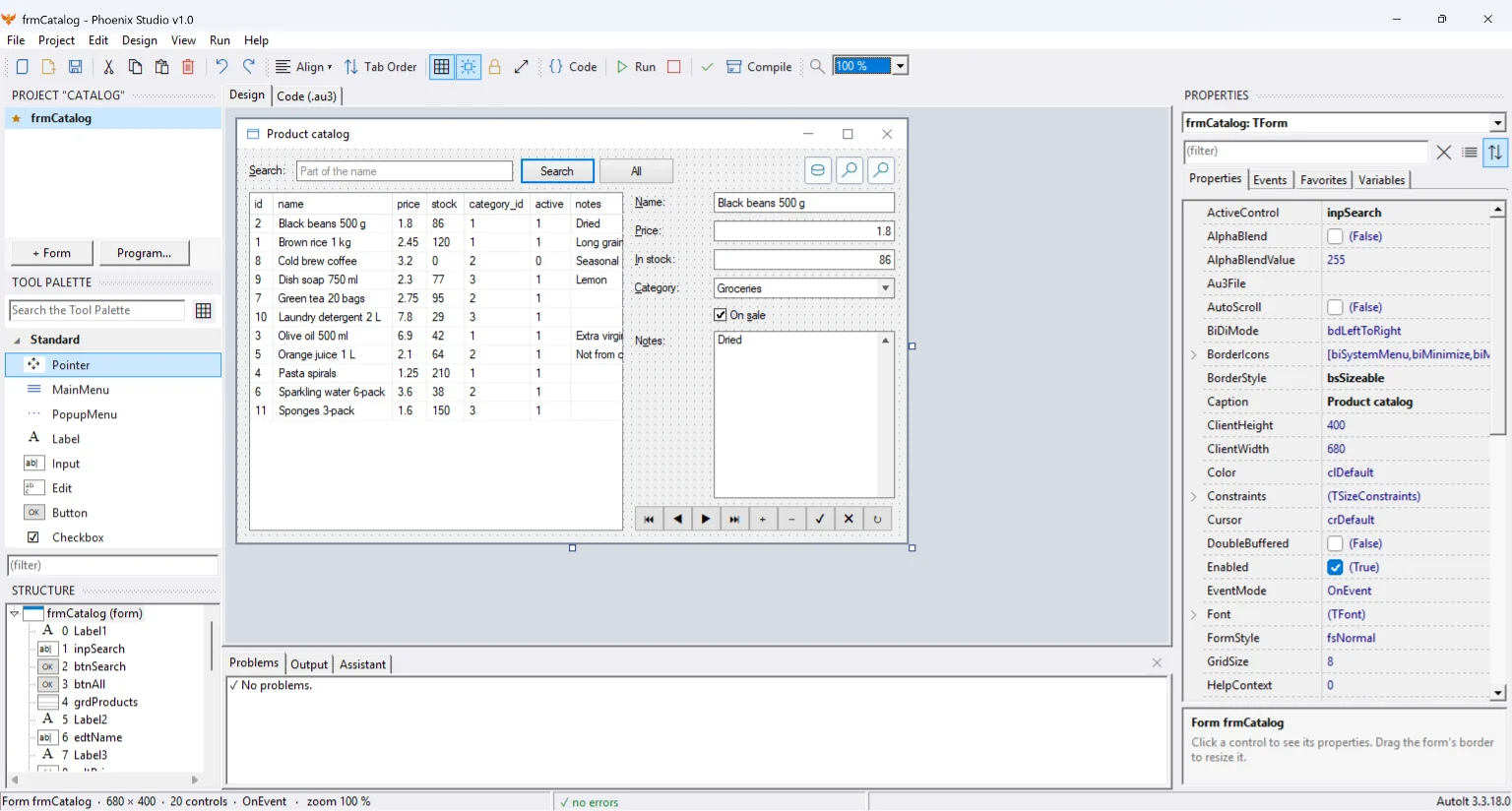
SQLite-bound controls and a grid showing real records while you design, plus reports.
Click any screenshot to see it large.
A release meant to make the generated code more yours: no odd prefixes, more ways to get it out of the IDE, and the IDE's rules out of your way.
Au3Check errors are marked in the editor, the start page was redesigned and the ListView gained groups and sorting.
The visual designer for AutoIt goes public: draw your windows, write only the logic and get a clean .au3.
Search AutoIt snippets and examples from the editor, preview them and insert them right where you are typing.
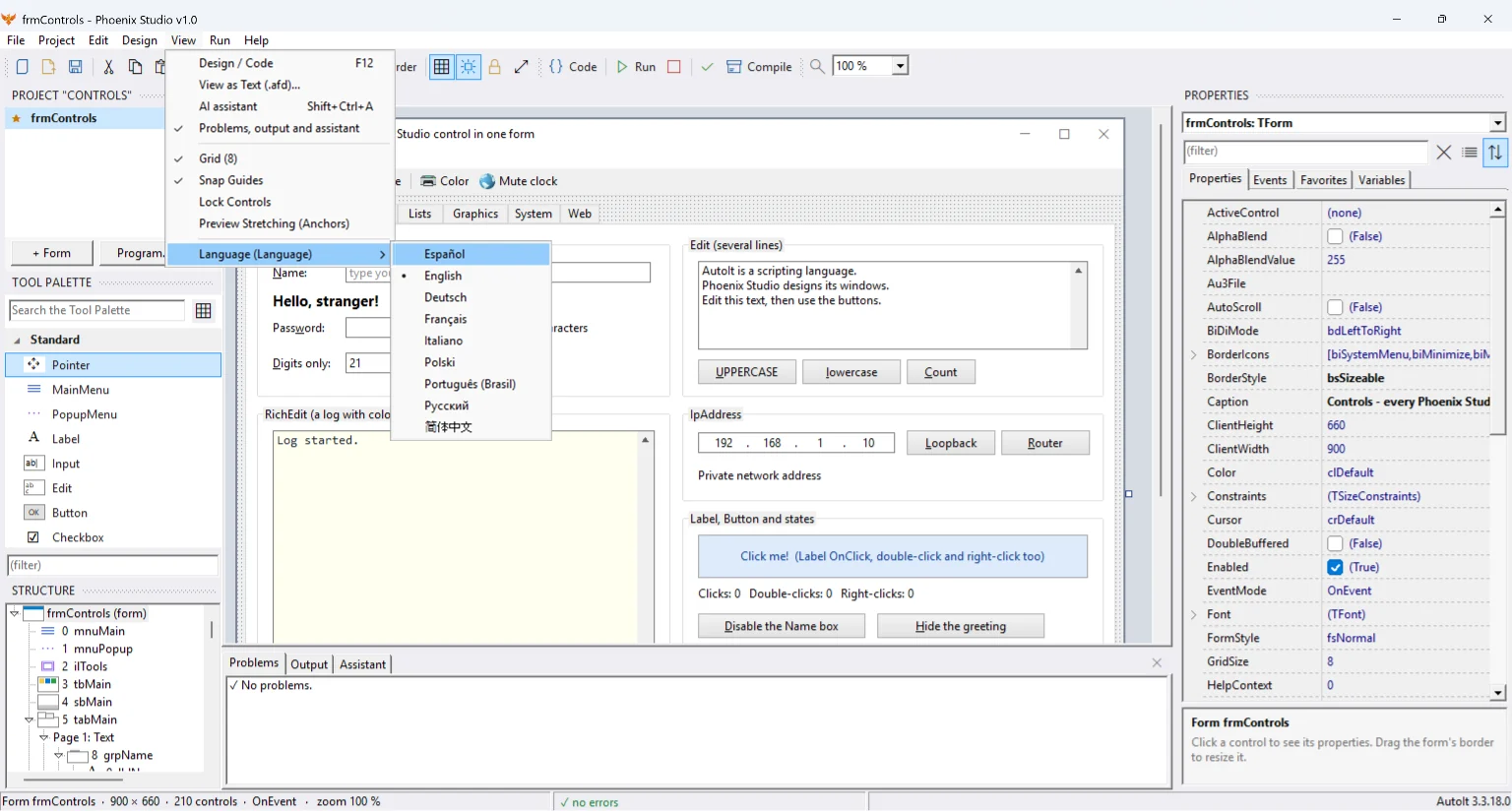
The AI assistant is optional and uses your own provider and key. The interface is available in nine languages.
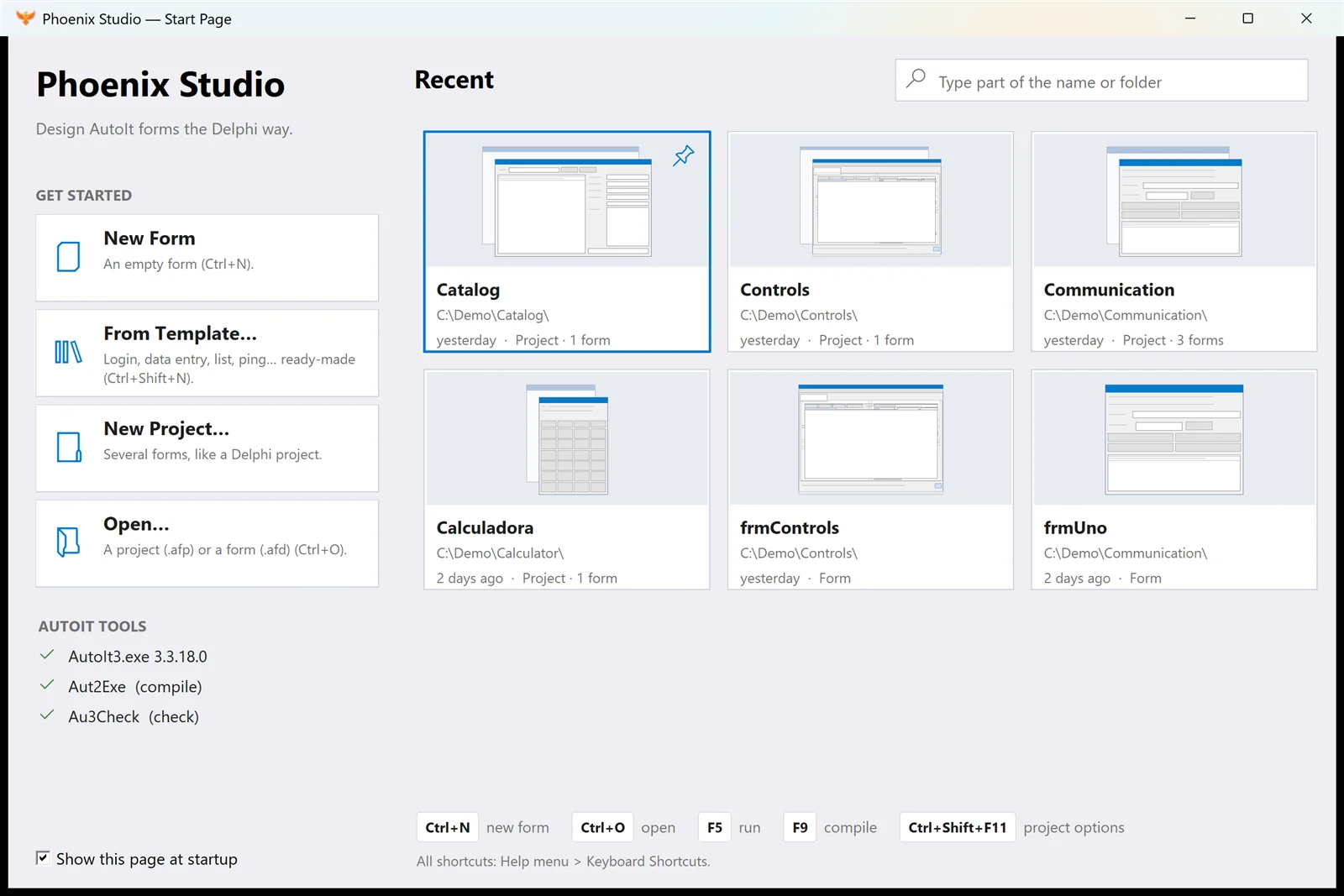
They ship inside the download, with their project and code ready to open.
Like the Windows one: memory, %, √, x², 1/x, repeat with =, thousands separators and keyboard.
Parentheses and precedence, powers, trigonometry in DEG/RAD/GRAD, ln, log, n!, π, e and memory.
Write into another window's label, change its title, add items to its list and pick the target window.
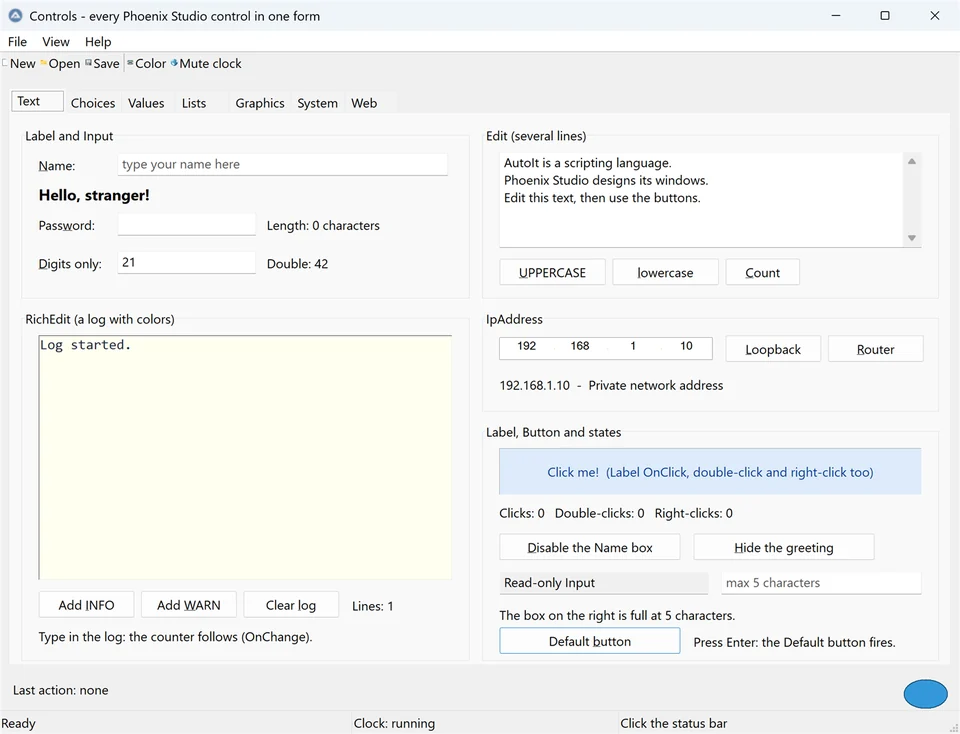
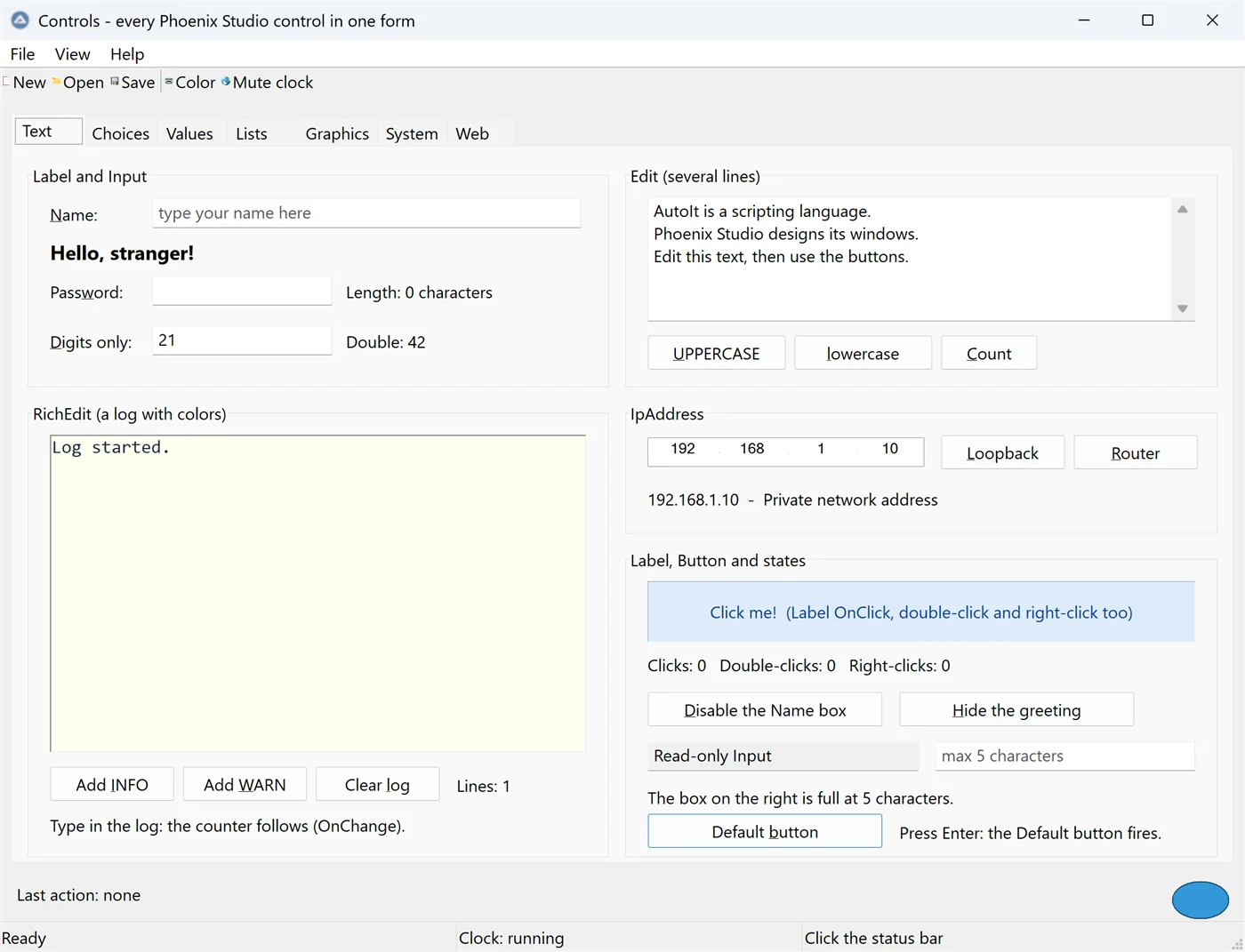
One window with every Phoenix Studio control, each one working: menus, tabs, lists, trees, dialogs and more.
And all of that is not the best part…
If it helps you and you want to see it keep growing, you can support it: Donate with PayPal
Download, unzip and open your first window in minutes. Free.
Download v1.0.2 Your first window in 5 minutes